🐾
StreamPals
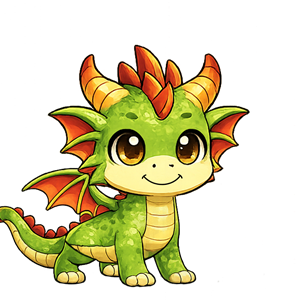
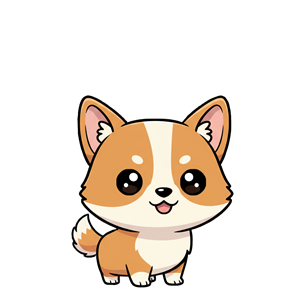
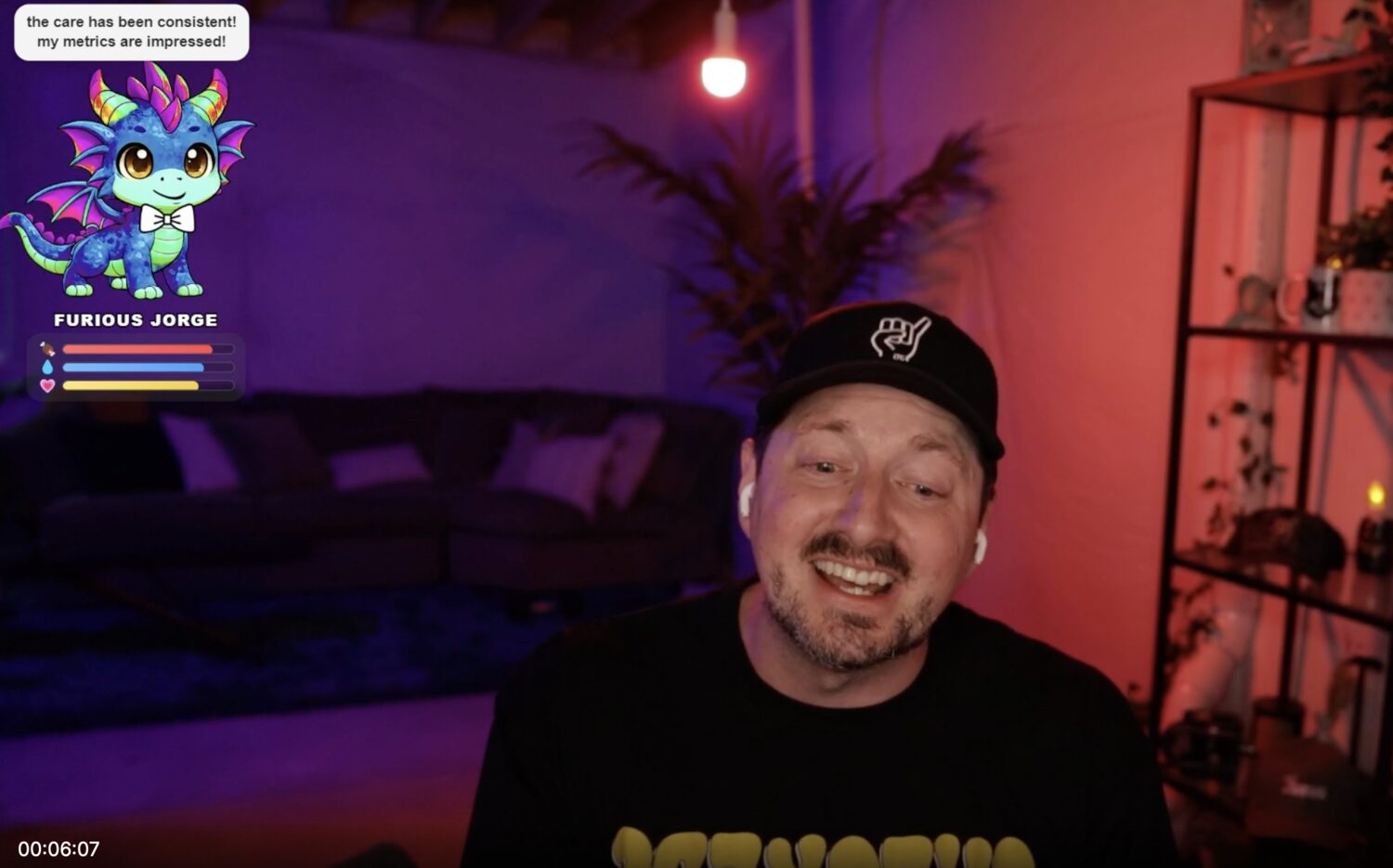
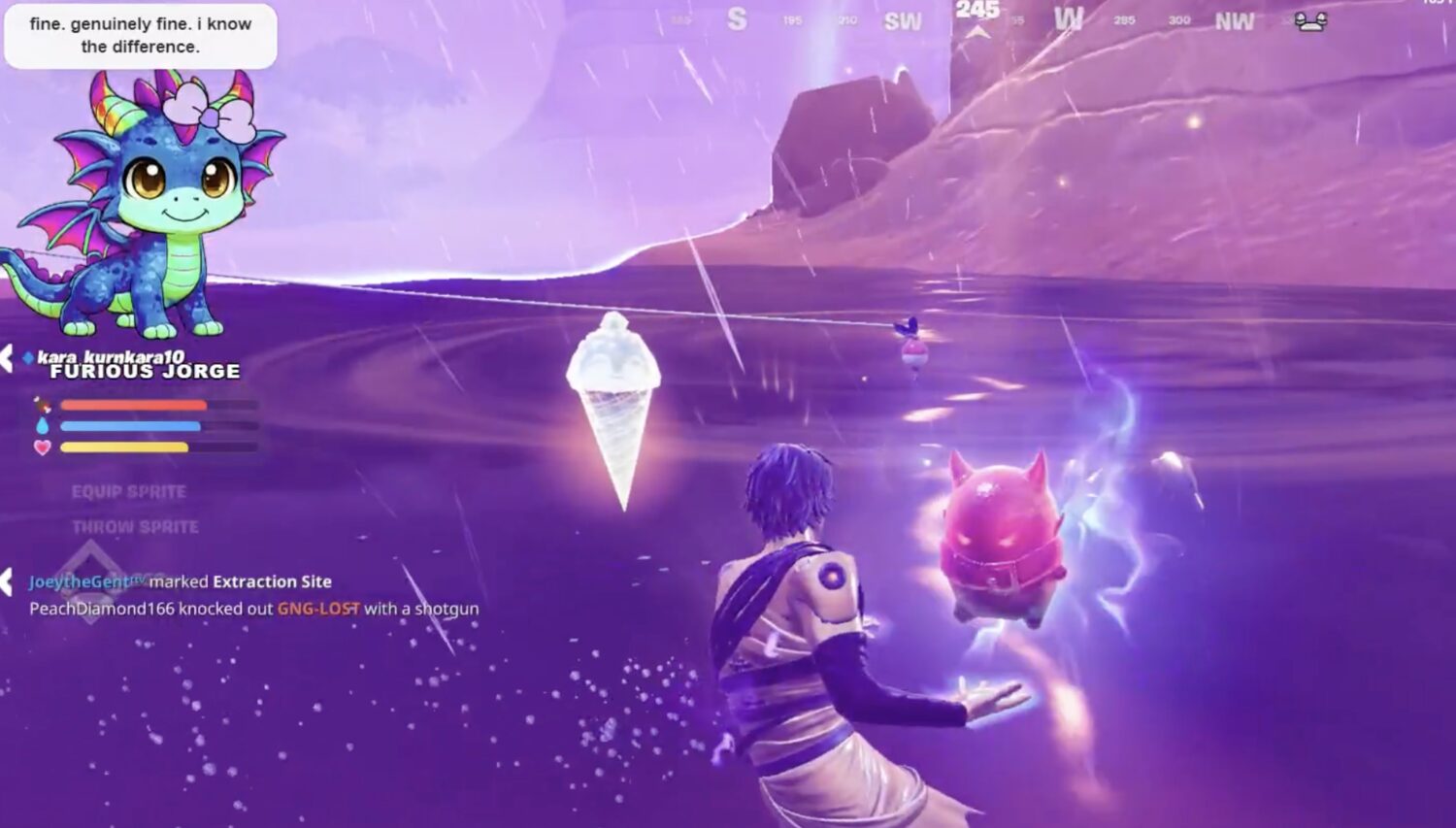
Your stream's pet family — one chonky companion, and a pal for every chatter.
YOUR STREAM PET
Choose Your Buddy
Color Style
Care Level
🛋️
Cozy
Super chill — barely decays (~1 hr)
😎
Easygoing
Relaxed, low-key upkeep (~33 min)
🐾
Needs Attention
Keeps your chat busy (~20 min)
🔥
Chaos Gremlin
Pure chaos (~13 min)
Accessories

Bowtie

Necktie

Bow

Sunglasses

Scarf

Moustache
Want more accessories?
★ Randomize Favorites
Star types to limit random outfits to your picks. Nothing starred = full random.
Collapse Consequences
What happens when your pet goes down? Choose how dramatic things get.
Pet Stats
—
🍖 Times Fed
—
💧 Times Watered
—
🎾 Times Played
—
💀 Times KO'd
💕 Pet's Favorite Humans
Loading...
Stream Mode
Controls when your pet's stats decay. Freeze them when you're offline so your pet doesn't collapse between streams.
OBS Browser Source URL
Paste this into OBS as a Browser Source. No login required. Keep this URL private — treat it like a password.
If your URL is ever exposed, — your old URL will stop working immediately.
Leaderboard & Stat Counting
Controls when viewer interactions (feed, play, bits, subs, etc.) count toward the leaderboard. KOs use the same gate. Default is live streams only — testing won't pollute your rankings.
Pet Position & Scale
Drag the box to position your pet on the OBS canvas. The dashed outline shows the approximate pet footprint.
Save as Scene Layout
Saves the position & scale above as the layout for that scene. Pet moves there automatically when the scene goes live.
Scene Transition
How the pet moves when a new OBS scene goes live. Applies globally to all scene switches.
Scene Layouts
OBS Scene Detection
To make your pet automatically move when you switch OBS scenes, you need to tell StreamPals which scene just went live. If you already run Streamer.bot or Lumia Stream, this takes about 2 minutes to set up.
Step 1 — Copy this URL
Step 2 — Send this JSON body with each scene change
Step 3 — Streamer.bot setup (exact steps)
Streamer.bot
1. Check OBS is connected: look at the top-right corner of Streamer.bot — the connection status should show OBS Studio as green. If not, go to Servers/Clients → Clients → right-click your OBS entry → Connect
2. Actions & Queues → Actions → right-click → Add → name it StreamPals Scene Change
3. In the Triggers panel (top-right of the action) → click + → OBS Studio → Scene Changed → Any scene
4. In the Sub-Actions panel → right-click → Network → Fetch URL → paste this URL:
⚠ Important: your OBS scene names must exactly match the scene layout names you saved in StreamPals (Scenes tab). Capitalization counts. If they don't match, the pet won't move on scene switch.
Other tools
Lumia Stream — Scene trigger → HTTP Request → GET → same URL above
Firebot — OBS Events → Scene Changed → Run Command → Fetch URL → same URL
SAMMI / Aitum — Scene Changed → HTTP GET → same URL
Don't use any of these? The StreamPals companion app (coming soon) does this automatically.
Gift Link
Share this link so anyone can gift your pet an item from the store.
Gift Command
Viewers can gift items from your shop. The
!opengift command opens the gift reveal animation on stream.
Trigger Configuration
Choose which Twitch events trigger each action. Toggle chips to enable or disable.
⭐ Channel Points Setup
To use Channel Point triggers, create rewards in your Twitch Creator Dashboard → Channel Points → Manage Rewards with these exact names:
"Instant Revive"
"Full Feed"
"Full Water"
"Full Play"
"Full Care"
"Stream Pet Dance Party"
Names must match exactly (case-sensitive) or the redemption will be ignored.
The point cost for each reward is set in Twitch's Creator Dashboard → Channel Points — StreamPals only needs the name to match.
🍖 Feed
💬 !feed
⭐ Channel Point: "Feed"
💎 Bits
🎉 Sub
💧 Water
💬 !water
⭐ Channel Point: "Water"
💎 Bits
🎉 Sub
💗 Play
💬 !play
⭐ Channel Point: "Play"
💎 Bits
🎉 Sub
🕺 Dance
💬 !dance
⭐ Channel Point: "Stream Pet Dance Party"
💎 Bits
🎉 Subs
🐾 Walk
💬 !walk
⭐ Channel Point: "Walk"
💎 Bits
🎉 Subs
💨 Zoomies
💬 !zoomies
⭐ Channel Point: "Zoomies"
💎 Bits
🎉 Subs
🤚 Pet
💬 !pet
⭐ Channel Point: "Pet"
💎 Bits
🎉 Subs
🍞 Kneading
💬 !biscuits
⭐ Channel Point: "Make Biscuits"
💎 Bits
🎉 Subs
😴 Sleep
💬 !sleep
⭐ Channel Point: "Nap Time"
💎 Bits
🎉 Subs
🦴 Treat
⭐ Channel Point: "Treat"
💎 Bits
🎉 Subs
💖 Instant Revive
💎 Bits
⭐ Channel Point: "Instant Revive"
🎉 Subs
✨ Full Care
💎 Bits
⭐ Channel Point: "Full Care"
🎉 Subs
🎀 Random Outfit
Randomly swaps to a piece from your owned collection
💬 !outfit
💎 Bits
⭐ Channel Point: "Random Outfit"
🎉 Subs
🚫 Clear Outfit
Removes all accessories from the pet
💬 !bare
💎 Bits
⭐ Channel Point: "Clear Outfit"
🎉 Subs
🐾 Wander Return
Only works during Walk-Off mode
💬 !rescue
💎 Bits
⭐ Channel Point: "Bring Them Back"
🎉 Subs
Personality & Chat
Tune your pet's personality and how it interacts with chat.
🌶️ Personality
Sweet
Spicy
Friendly
🌙 Adult Mode
Late night comedy vocabulary — mature humor, still Twitch safe. Stacks with the Personality slider.
👋 Greet New Chatters
Pet says hi when someone chats for the first time
💬 Use Viewer Names
Pet uses names when thanking viewers (protects lurkers when off)
📣 Action Callout Chance
How often the pet mentions who fed/watered/played
30%
🏆 Leaderboard Shoutouts
Pet randomly calls out top viewers during idle time
Audio
Control what sounds play through the browser source into OBS.
🎵 Music
Dance party music and any future per-character tracks
80%
🍽️ Sound Effects
Eating, drinking, petting sounds — coming soon
80%
Command Cooldowns
!feed
milliseconds
!water
milliseconds
!play
milliseconds
Twitch
Not connected
—
Stream Platform
Stream Platform
Checking…
Your account is linked at login — no manual setup needed.
StreamPals Companion App
Coming Soon
A lightweight desktop app that handles everything automatically — no Streamer.bot, no setup guides, no manual webhook configuration.
✓ Connects to OBS automatically on launch
✓ Forwards scene changes to StreamPals
✓ Runs silently in your system tray
✓ No third-party tools required
Other Platforms
More platforms on the way — your little guy is going multi-stream.
YouTube
Live chat integration
On the way! 🐾
Streamlabs
Alerts & donations
Waddling over...
StreamElements
Loyalty points & tips
In the works!
TikTok Live
Gifts & comments
Down the road
📡
Scene settings have moved
Scene layouts and the OBS scene detection setup are now in the Stream tab.
Your Collection
Dashboard Slots
★ Star up to 6 pets to pin them to your dashboard. Click an unowned pet to visit the store.
Achievements
Complete milestones to earn exclusive accessories and badges. Your community's care counts toward every unlock.
Loading...
🎁 Gift a Friend
Add more to this gift
Who are you gifting this to?
Pet Store
🐾 More adorable little gremlins are waddling their way here soon — hang tight!
Color Styles
Alternate color schemes for your pets — unlock once, use forever. Select your active style in the Pet tab.
Premium Accessories
Exclusive accessories for your pet — unlock once, keep forever.
Emotes
Unlock special actions your community can trigger live on stream.
Your Plan
Upgrade for more accessories, multi-pet support, and analytics.
⭐ Free Plan
Profile
Danger Zone
Permanently delete your account and all associated data. This action cannot be undone.
Playground — Live Game View
In OBS, add the overlay URL as a Browser source at 1920×1080 — or 1080×1920 for vertical streams. The overlay fills whatever size you give it; pals always sit on the bottom edge.
MODE
Chat plays with !pal, !feed, !fight, !defend, !dance, !danceparty — every chatter gets their own pal.
Viewers customize at /mypal — typing !mypal in chat sends them the link.
Your Pal
Your pal walks in the moment your overlay loads and hangs out all stream — no need to type in your own chat.
It never wanders off or gets rotated out by a full playground, and if a battle, royale or warhead takes it down,
it walks back in about 2 minutes later.
Chat Commands
Exactly what chat can trigger on your channel right now — and how much each command actually gets used.
Channel Roster
Characters your chat can use. Color styles you own in the Store are automatically available to your chat too.
Playground Settings
Full brings every pal to life with real leg, tail and head motion. On a big crowd it eases back
automatically so your stream never stutters — it only runs on your OBS PC, so viewers are never affected.
Fresh keeps the playground colorful — colors and accessories reshuffle every stream. Keep gives each
viewer one color forever (outfits still rotate). Either way, viewers who picked their own pal on the
My Pal page always keep their exact look, until they switch back to Surprise me.
Every few minutes a small pill fades in at the corner of the playground: "Type !mypal to make your pal your own."
That command replies in chat with the customization link, so viewers discover they can pick their own character,
colors and accessories.
Some pals find a weapon on the way into a fight — swords, frying pans, a spear — and swing them mid battle for a small edge.
Weapons also drop onto the screen now and then for an unarmed pal to grab, and a pal keeps its weapon until it gets knocked out.
Applies to duels, team brawls, and the battle royale.
Very rarely a warhead turns up instead. It does not fight. It ticks. If it goes off, EVERYONE in the fight loses.
Dance Party
!danceparty (or the button above) makes the whole crowd boogie together with a disco glow.
Upload your own song and it plays over the overlay while they dance.
Using the built-in dance song. Upload one to override it.
mp3, ogg, wav, m4a, aac or webm · up to 15 MB · one song per channel
Top Pals
No pals yet — they appear when chat starts playing.